
Smarter Business Banking
Managing your business finances just got easier. With new tools, enhanced security and a refreshed digital experience, Croghan gives you more control, more clarity and more ways to work efficiently.
What's New
Built for How You Operate
We’ve improved our business banking experience to help you move faster, stay organized, and manage your finances with confidence.
Key updates include:
- Business eStatements for quick, secure access anytime
- Enhanced security features, including check fraud monitoring
- Admin controls to assign user roles and permissions
- Digital tax documents available within online banking
- Emailed receipts for instant transaction confirmation
- QuickBooks and Quicken integration for streamlined financial management
- One app experience to switch between business and personal accounts
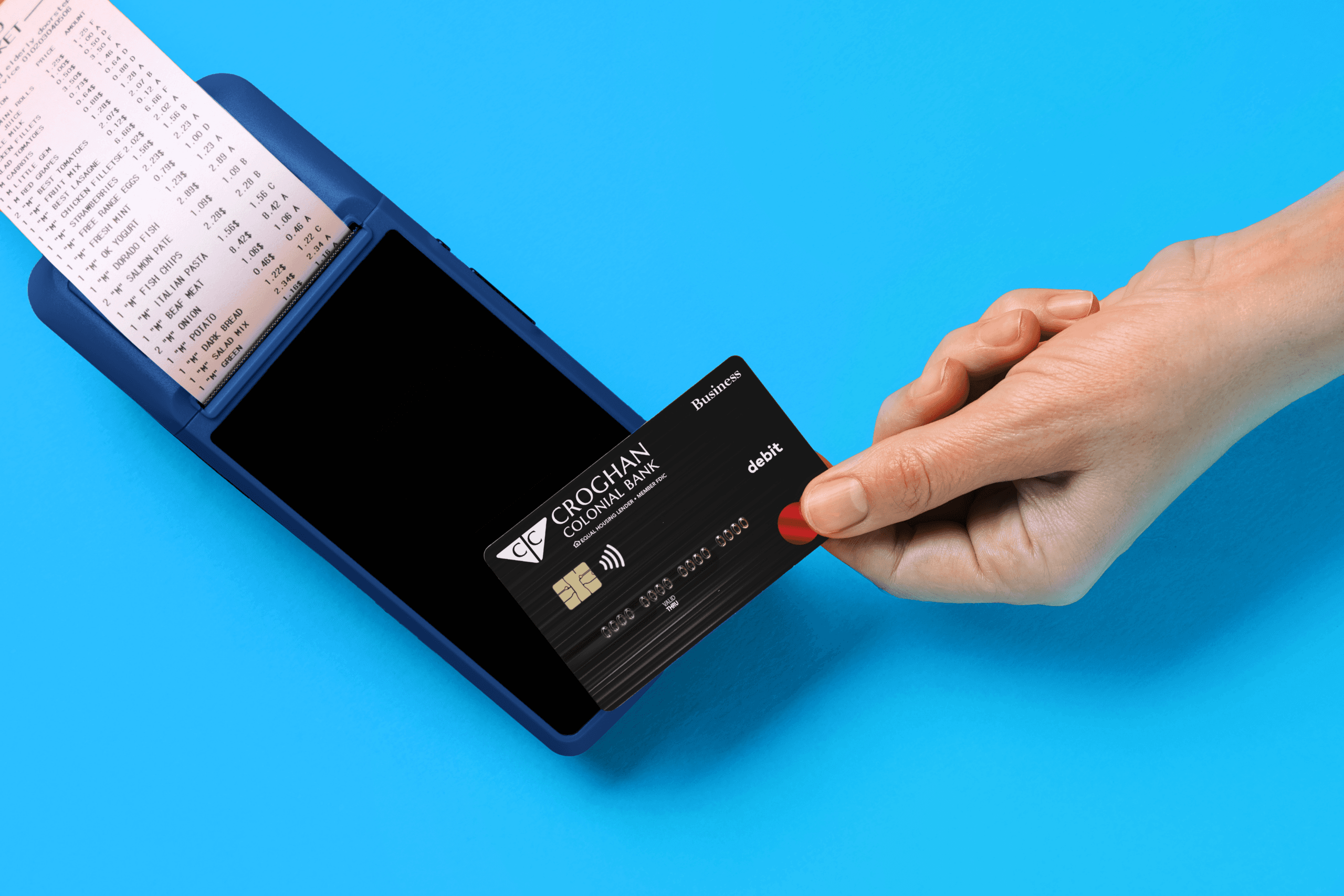
- Tap-to-pay debit cards for faster, more convenient purchases
What You'll See
A Better Digital Experience
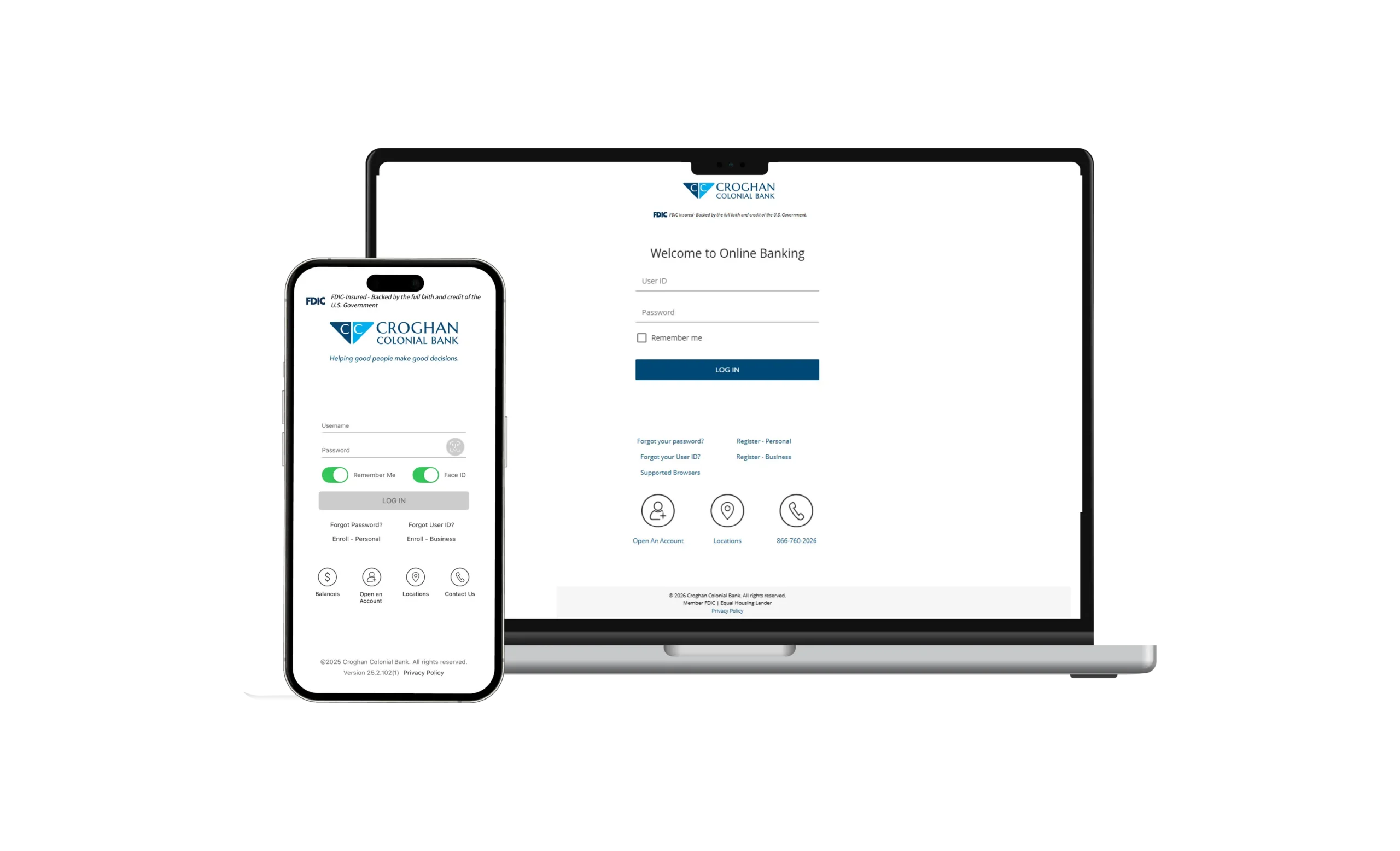
When you log in, you’ll notice immediate improvements:
- New Online & Mobile Experience
A refreshed interface with easier navigation and improved usability
- Updated Statements & Notices
Cleaner, more modern formats that are easier to read and review
QUICKBOOKS & QUICKEN INTEGRATION
Connect Your Financial Tools
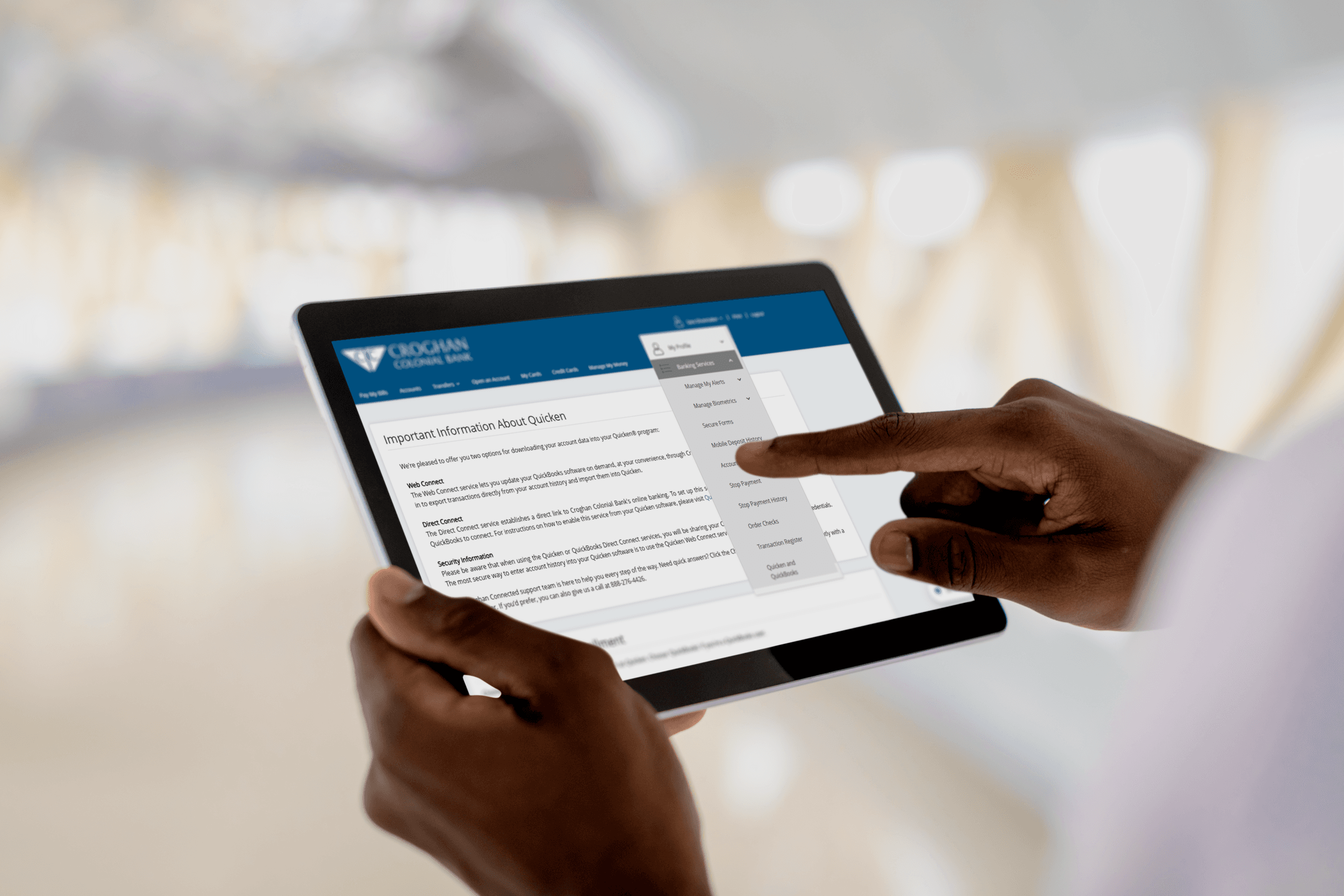
Easily manage your finances by connecting your Croghan accounts to your existing accounting software.
Two ways to connect:
- Web Connect
Download transactions directly from online banking and import them into your software at your convenience. - Direct Connect
Create a direct link between your Croghan account and QuickBooks or Quicken for automatic updates.
For added security, Web Connect is the recommended option.
Your Next Step. Choose What Works for You.
Already using QuickBooks or Quicken?
Connect your account or download transactions to simplify your workflow.
Explore More
Looking for additional tools, accounts, or support? Explore all of Croghan’s business banking solutions.
Only have a loan with Croghan?
Let’s build more value into your relationship. Meet with our Commercial Deposit Team to explore the benefits of adding a business account.
Commercial Deposit Team

Shantel Laird
AVP, Senior Commercial Deposit Officer

Alan Fisher
Commercial Deposit Officer

Brent Runion
Commercial Deposit Technology Admin Assistant
Have Questions?
Our team is here to help you get the most out of your banking experience.
- Chat live with a team member
- Call us at 888-276-4426


Important Legal Disclosures
*Accounts are subject to deposit account approval.